

Who changed what in the group
Every change in the group, with who made it and when. · 3 steps
-
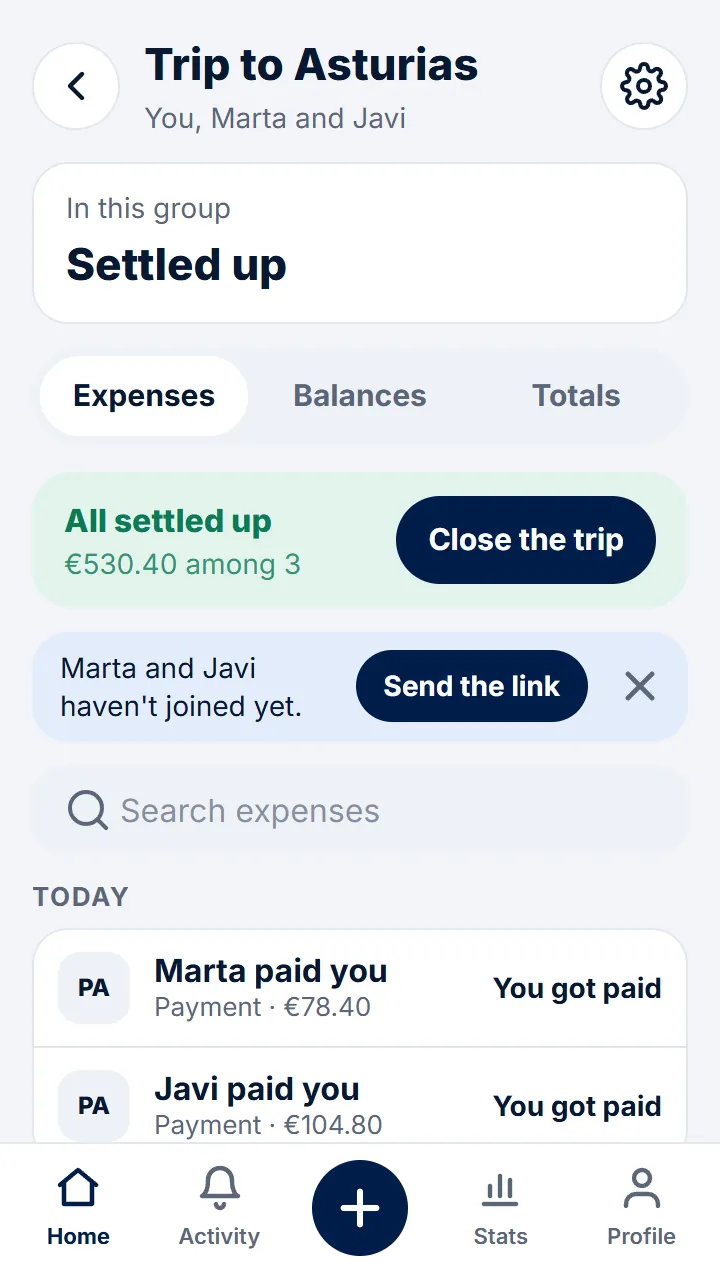
Step 1 of 3
In the group, tap the gear at the top right.
-
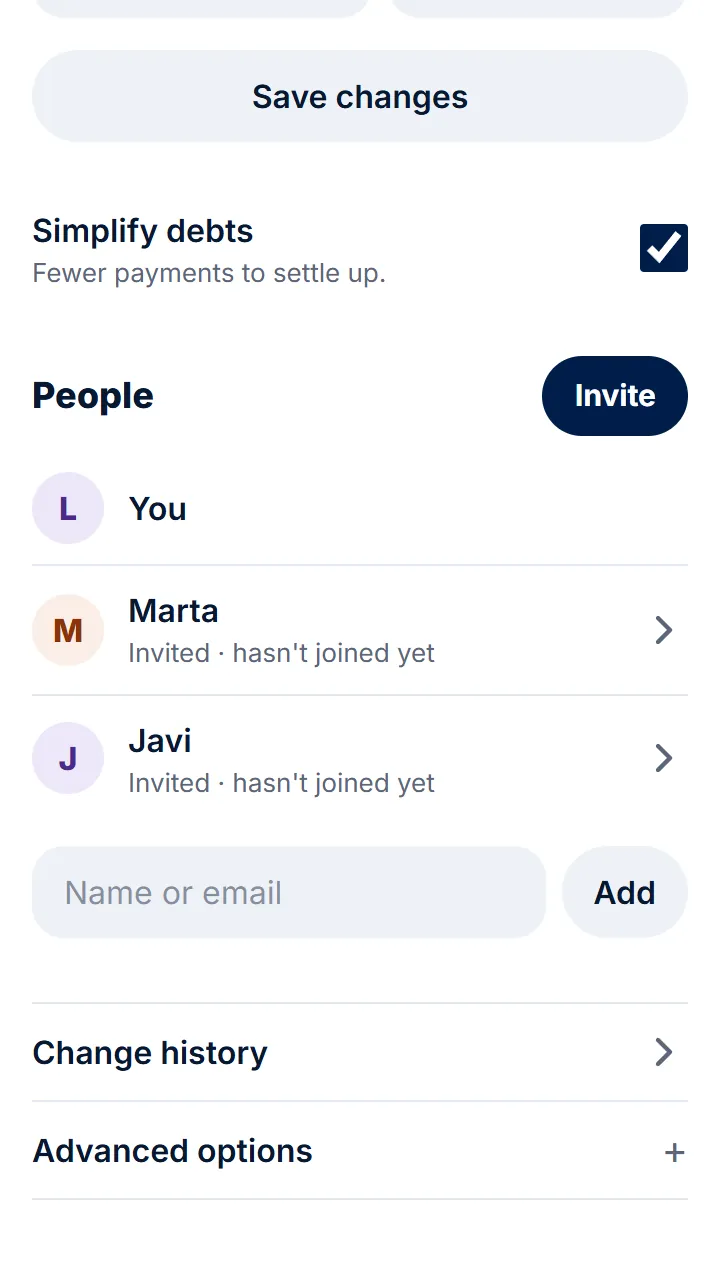
Step 2 of 3
Tap «Change history».
-
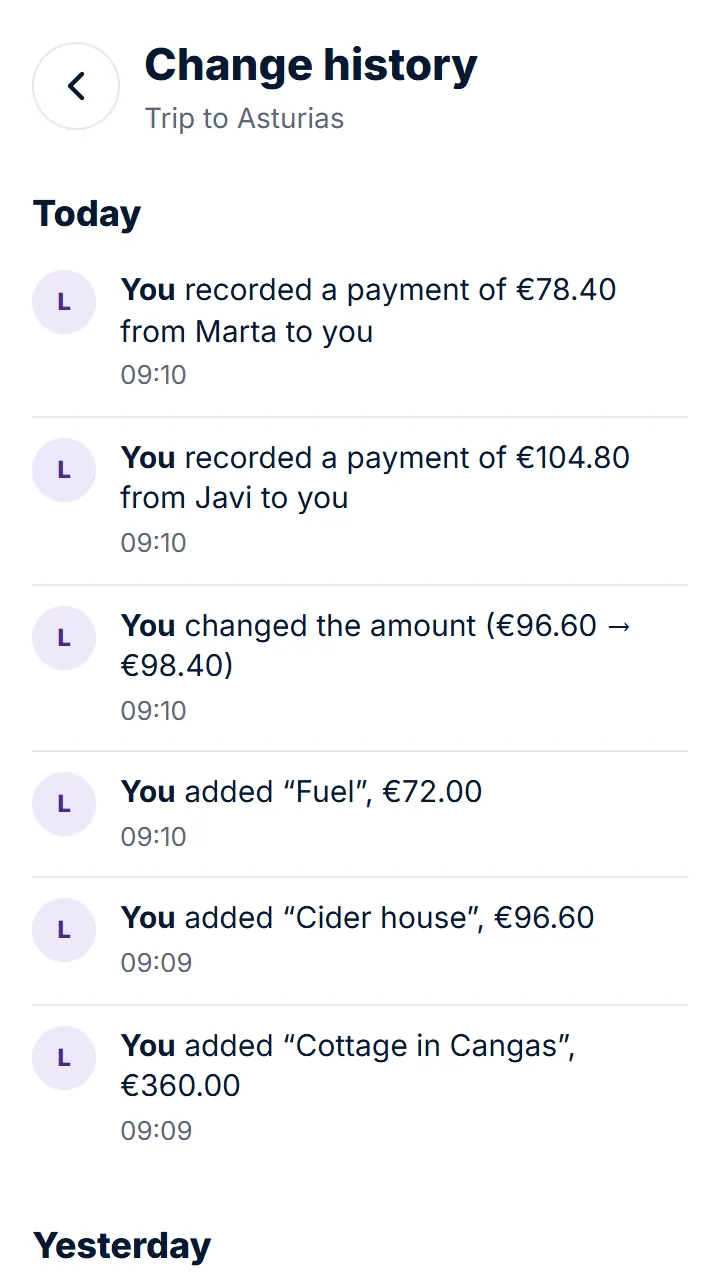
Step 3 of 3
You'll see expenses, payments, comments, people and settings, each with who did it and when; if the amount, description, date, category or a group setting changed, also the before and after.
Other guides
Still have questions? Frequently asked questions · Write to us