

What you spend each month
Your share, across all your groups. · 2 steps
-
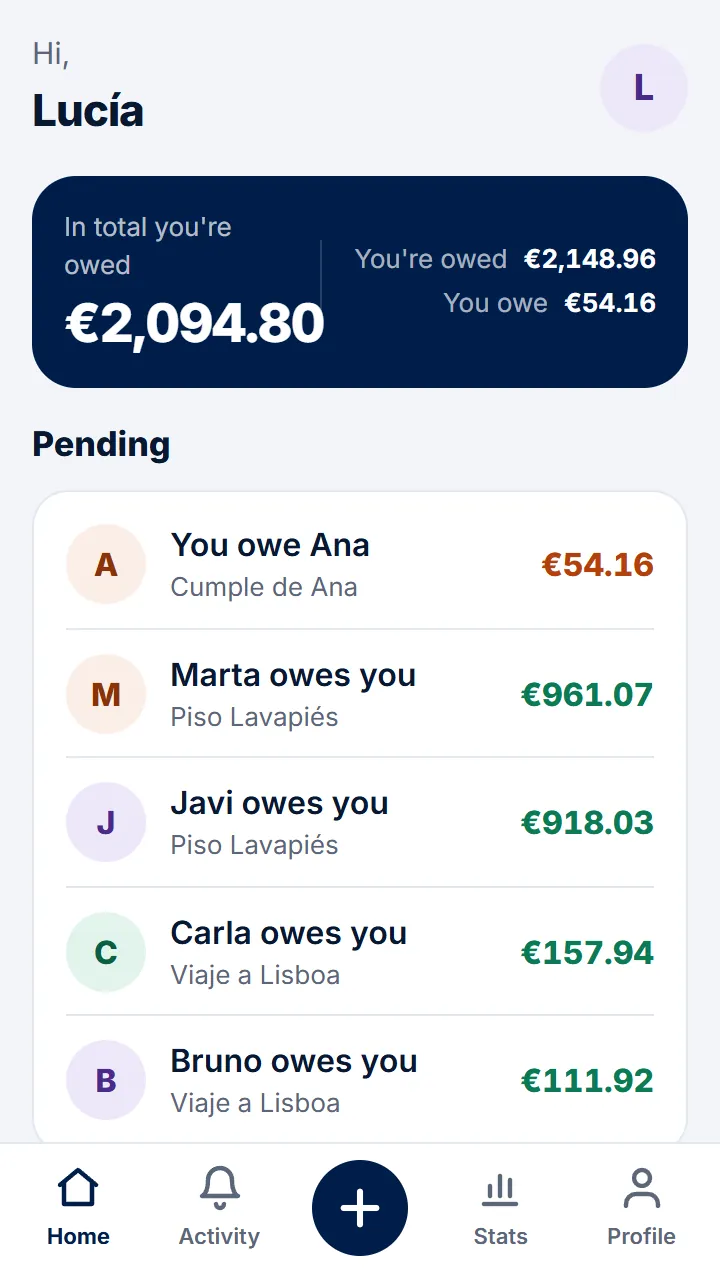
Step 1 of 2
Tap «Stats» in the bottom bar.
-
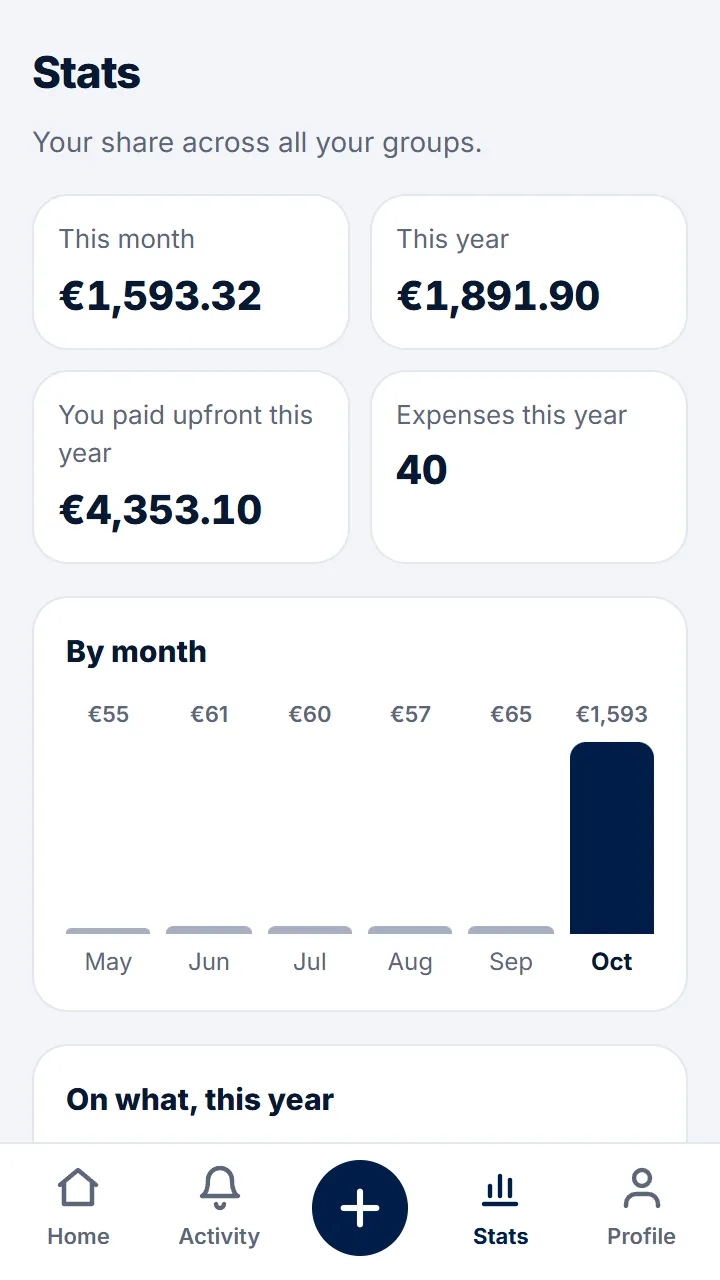
Step 2 of 2
You'll see your share this month and this year, the last six months, by category and by group, and what you've paid upfront.
Other guides
Still have questions? Frequently asked questions · Write to us