

Closing the trip with its summary
When everything is settled, a summary to share. · 3 steps
-
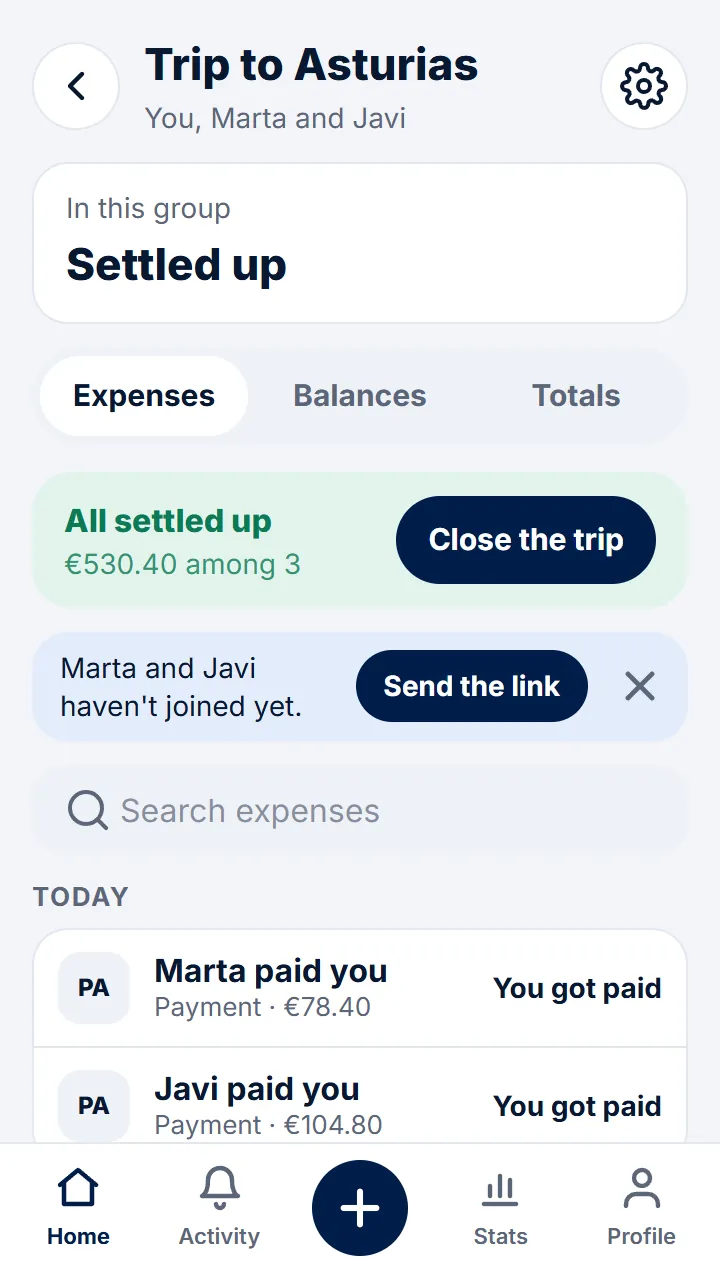
Step 1 of 3
When you're all square on a trip, a meal or another plan, the group shows «All settled up» with «Close the trip» (or «Close the group»).
-
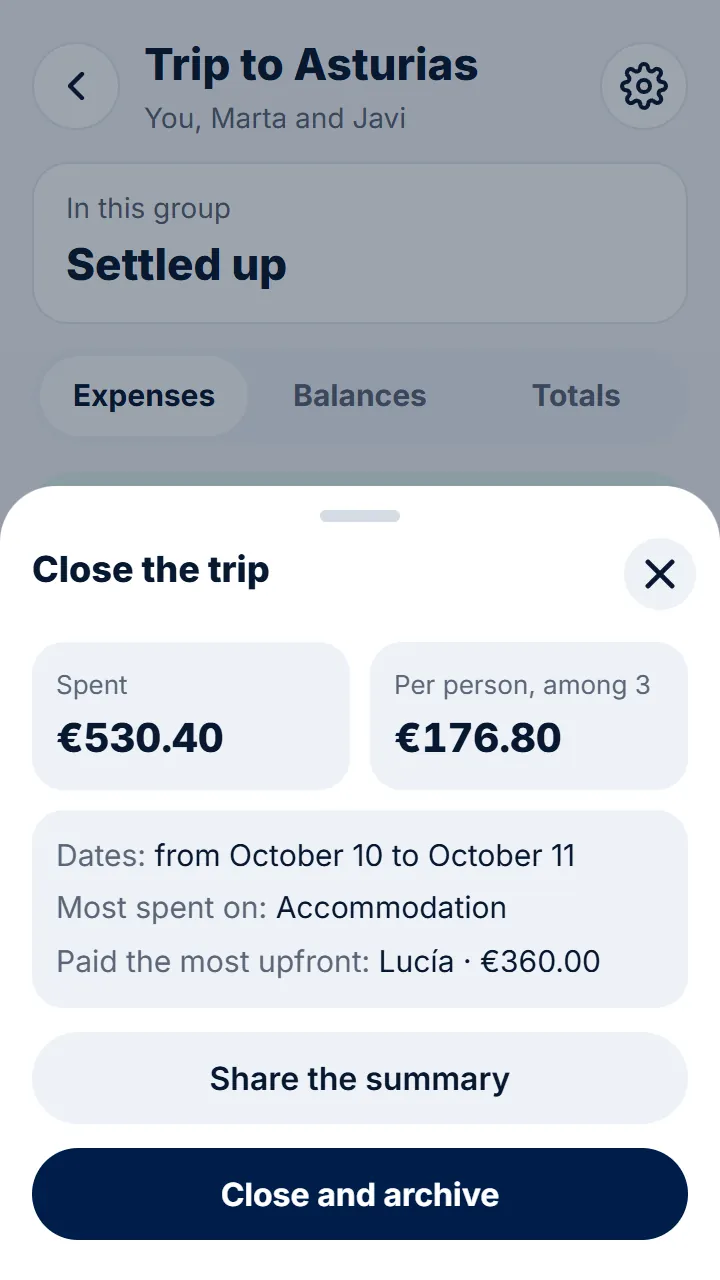
Step 2 of 3
Tap it to see the summary: what was spent, how much it comes to per person, the dates, what most went on and who paid most upfront. With «Share the summary» you send it to the others.
-
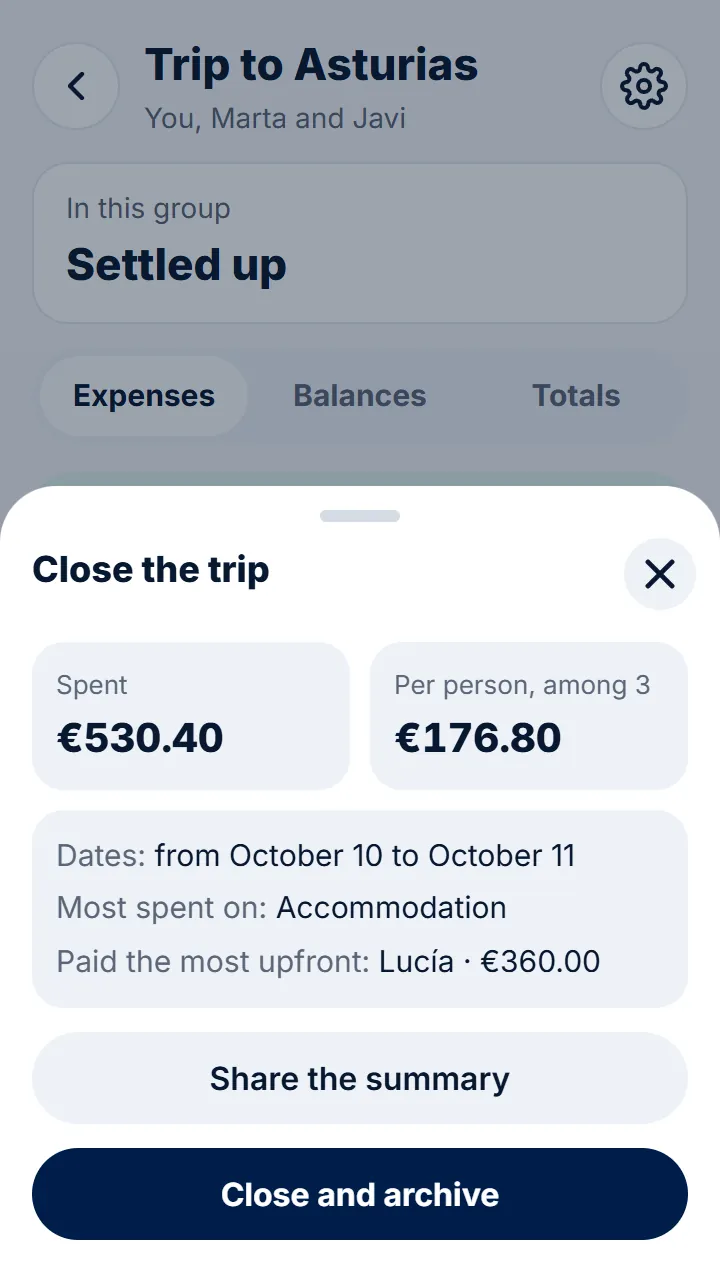
Step 3 of 3
Tap «Close and archive». If you need to, you can restore it in the group settings, under «Advanced options».
Other guides
Still have questions? Frequently asked questions · Write to us