

Notifications and reminders
Find out when someone adds an expense for you or pays you. · 2 steps
-
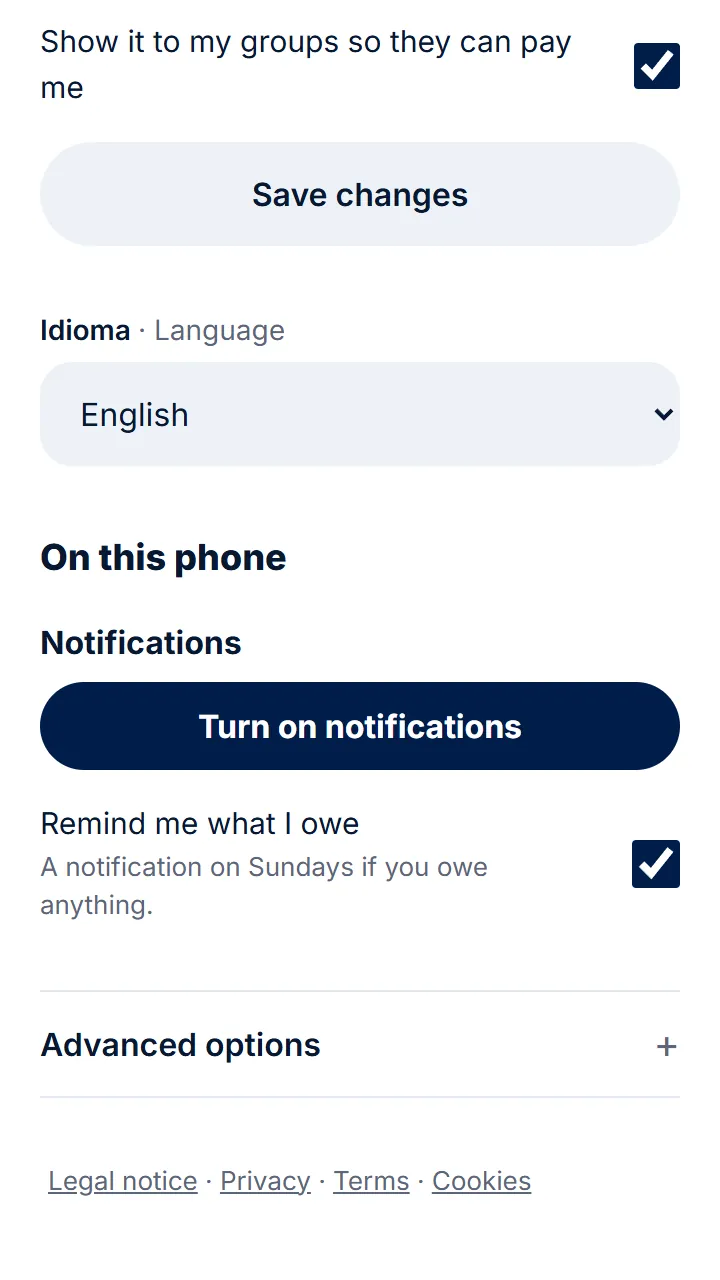
Step 1 of 2
In your profile, tap «Turn on notifications» and allow them.
-
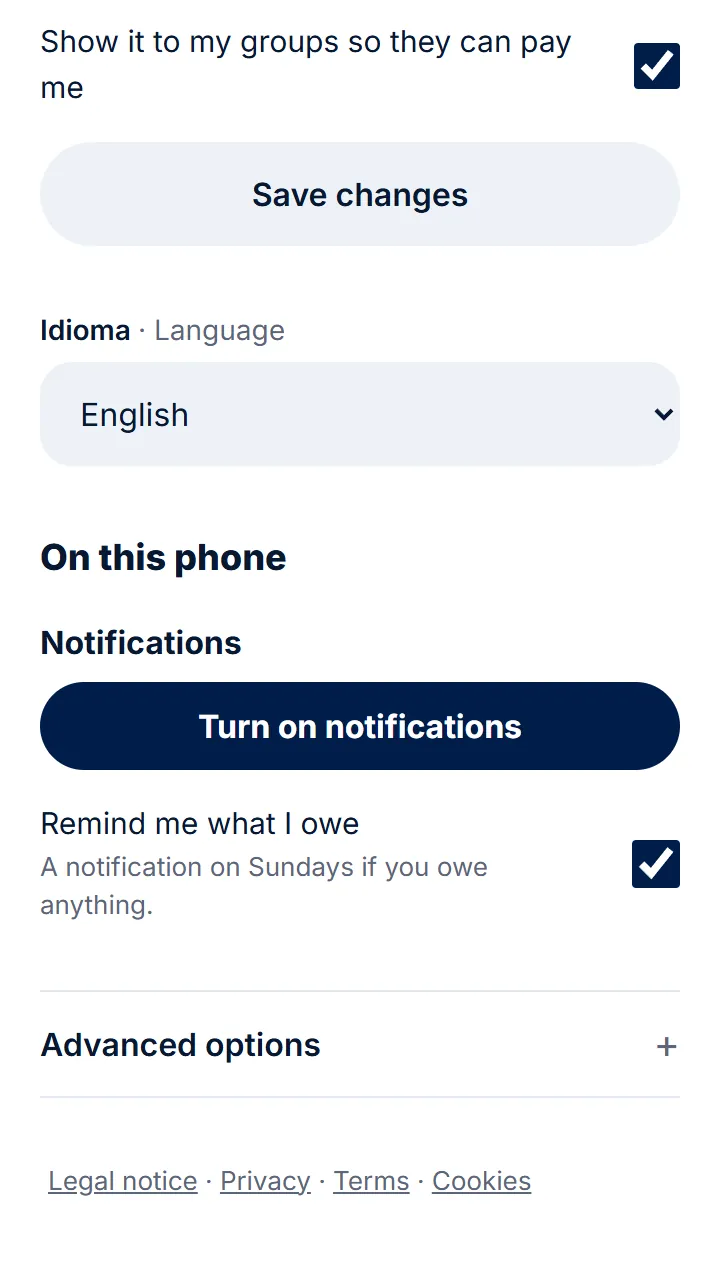
Step 2 of 2
«Remind me what I owe» sends you a notification on Sundays if you owe something. You can turn it off whenever you like.
Other guides
Still have questions? Frequently asked questions · Write to us